
Bounce rate is an analytics measure whose definition depends on the tool. In Google Analytics 4, or GA4, it is the percentage of sessions that were not engaged. It is not simply the percentage of people who leave after viewing one page, and it does not reveal which website they visited next.
A session is a period of activity on a website or app. GA4 classifies it using recorded engagement, rather than treating every departure as evidence that the visitor was disappointed.
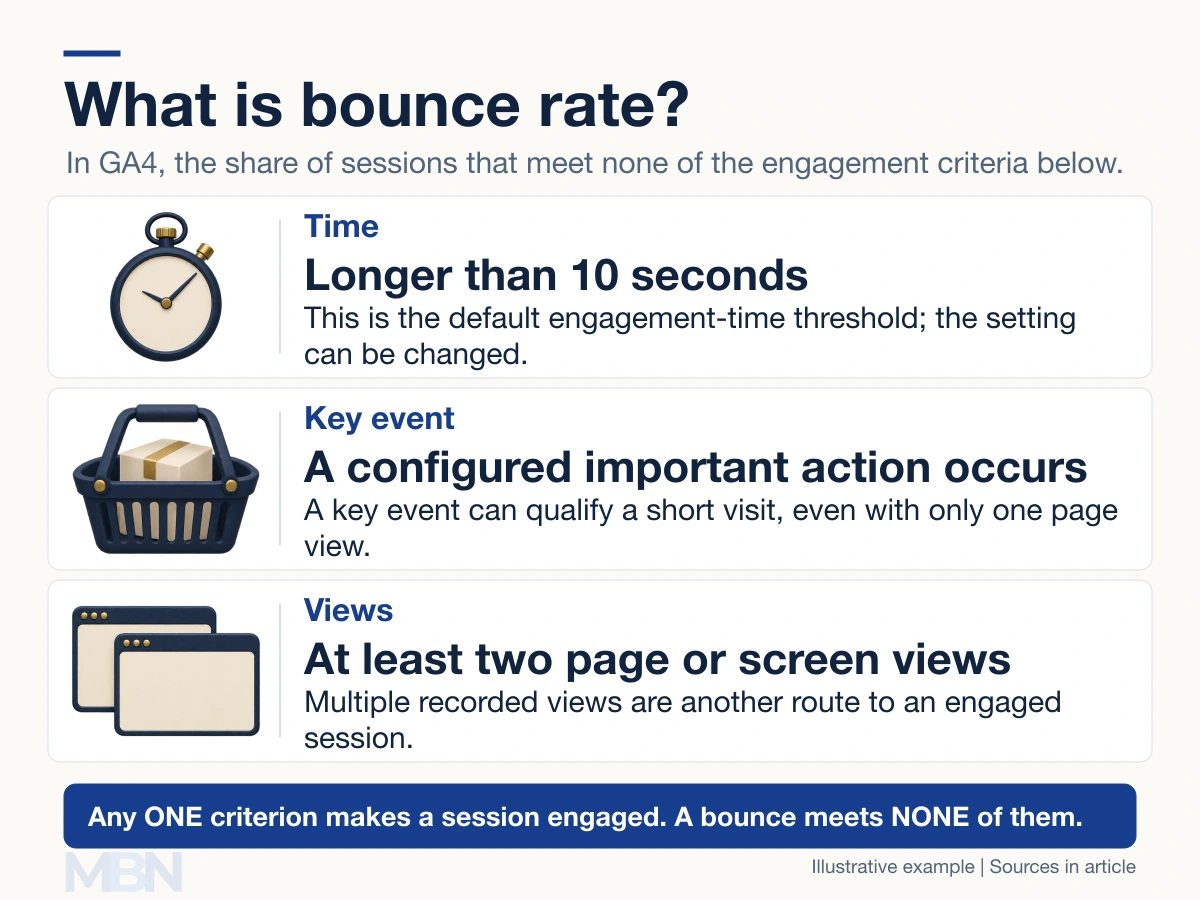
What makes a GA4 session engaged?
Google defines an engaged session as one that lasts longer than 10 seconds, contains a key event, or has at least two page or screen views. Any one of these conditions is sufficient.
A key event is an action marked as important, such as a recorded purchase. An ordinary click is not automatically a key event. A single-page session can therefore be engaged through its duration or a key event.
The engagement-time threshold can be adjusted in tag settings. That threshold is separate from the inactivity timeout that determines when a session ends. The default inactivity timeout is 30 minutes; it is not a rule that a visitor must stay for 30 minutes to avoid bouncing.
How bounce rate is calculated
The GA4 metric formula is non-engaged sessions ÷ all sessions × 100. Equivalently, bounce rate is 100% minus engagement rate.
Suppose a fictional report has 1,000 sessions, of which 700 are engaged. The other 300 are not engaged. Engagement rate is 70% and bounce rate is 30%. These are session-based measures, not percentages of unique visitors.
Two single-page visits can differ
Using the default timer and assuming accurate collection, a five-second visit with one page view and no key event is not engaged. A 45-second visit with one page view and no key event is engaged because it satisfies the time condition.
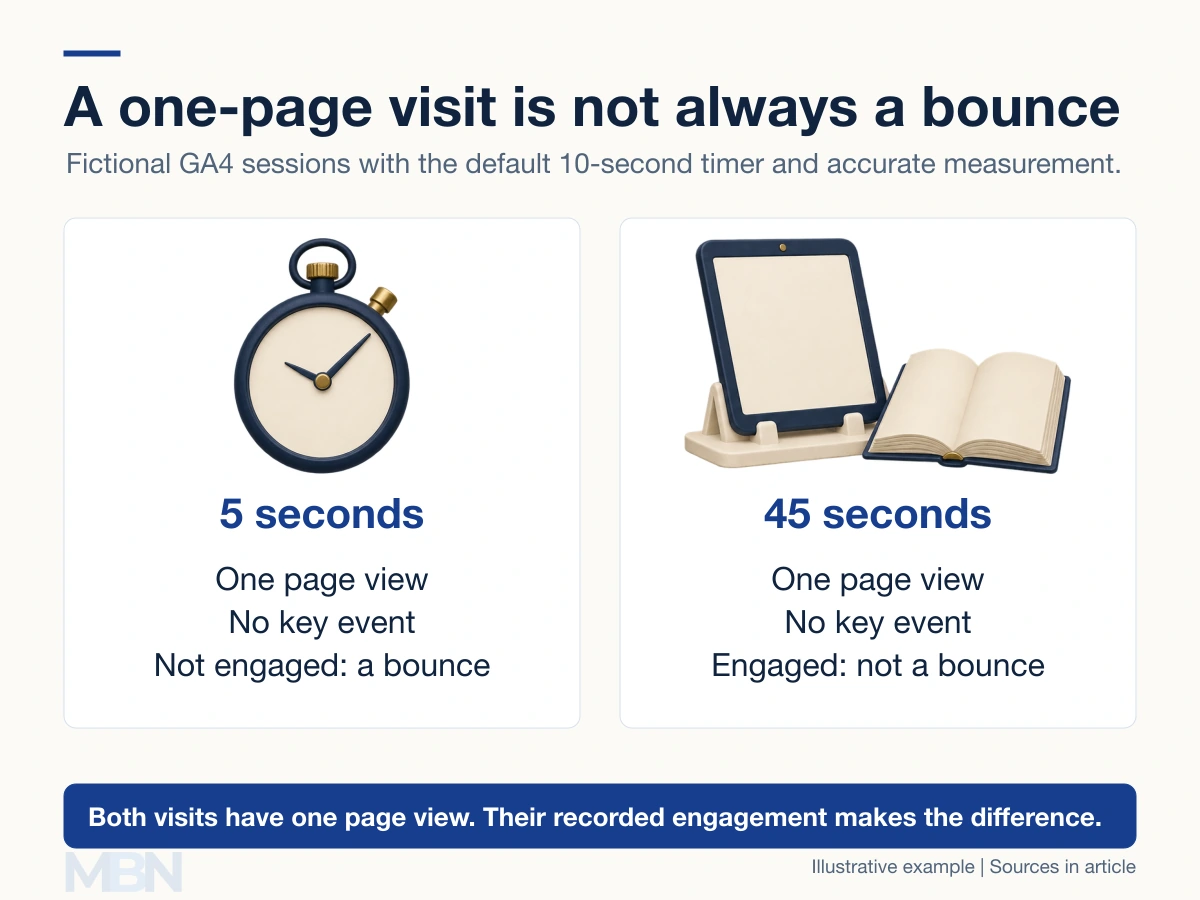
A short visit can also be engaged if it includes a key event. Leaving after a recorded purchase does not automatically make the session a bounce. Conversely, the absence of a second page view does not prove that someone failed to find useful information.
Why older explanations differ
Legacy Universal Analytics used a different bounce definition, based on a single-page session with only one request to its analytics server. Its interaction and non-interaction event settings belonged to that measurement model.
That older definition should not be presented as the current GA4 rule. Rates from different tools, time periods or configurations may therefore be unsuitable for direct comparison.
Bounce rate and exits are different
GA4’s Exits metric counts the times a session’s last recorded event occurred on a page or screen. An exit can follow an engaged, multi-page session. It is not automatically a bounce.
Closing a tab, pressing Back or following an external link does not by itself determine GA4 bounce status. What was recorded before the departure matters. Tracking across domains and missing or duplicated events can also affect the measured journey.
What is an acceptable bounce rate?
There is no single acceptable percentage for every website. Page purpose, audience, analytics definition and configuration all matter. A blanket claim that 90% is acceptable for most blogs is not a useful benchmark.
A reader might leave after finding an opening time or a definition. That can fulfil the visit’s purpose, whether the measured session is engaged or not. Bounce rate alone cannot establish satisfaction, content quality or profitability.
A lower reported rate can reflect a tracking or key-event change rather than better performance. Outcomes such as completed orders or enquiries, measured with a clearly defined conversion rate, answer different questions about what the visit achieved.
Last checked and updated on November 4, 2026 by the MBN editorial team.